 LapVoice
Try every overlay first.
LapVoice for Windows, with simulated data, so you can build your screen before you spend anything. Live telemetry switches on with an activation code.
LapVoice Pro 1.3.0
Windows 10 or 11, 64-bit. 45 MB. No installer, no account, no Python.
Install
- Extract the zip somewhere you can write to, such as
Documents\LapVoice. Do not run it from inside the zip. - Run
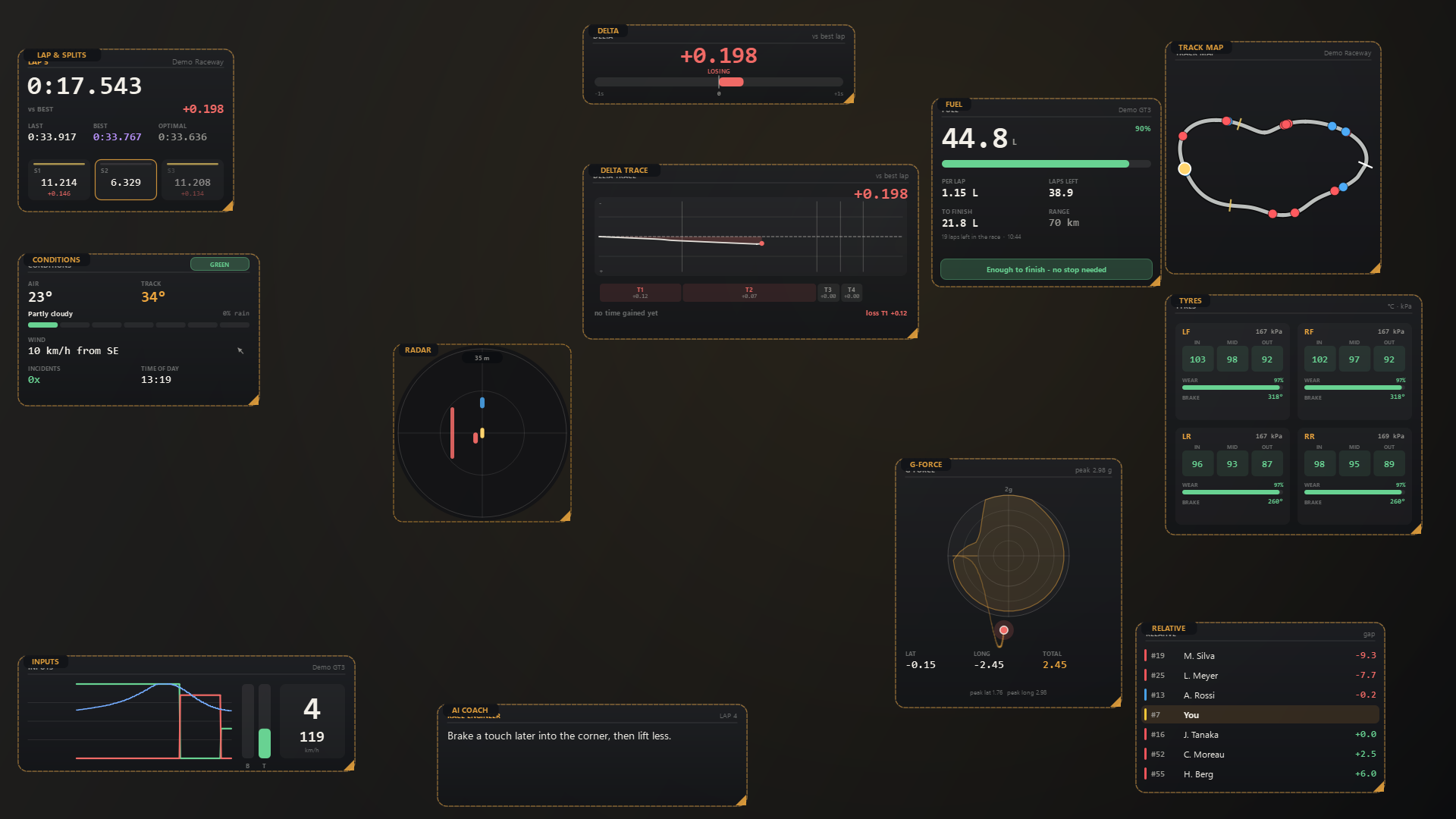
LapVoice.exe. The control panel opens with every overlay unlocked. - Arrange the overlays. Settings save automatically.
Windows will warn you
The build is not code-signed yet, so Windows SmartScreen may say “Windows protected your PC” the first time. That is expected for a small independent app. Click More info, then Run anyway.
Some antivirus tools flag unsigned PyInstaller executables. If yours quarantines it, restore it and add an exclusion. If you would rather not, the free command-line coach is plain Python and needs no executable.
Preview mode and activation
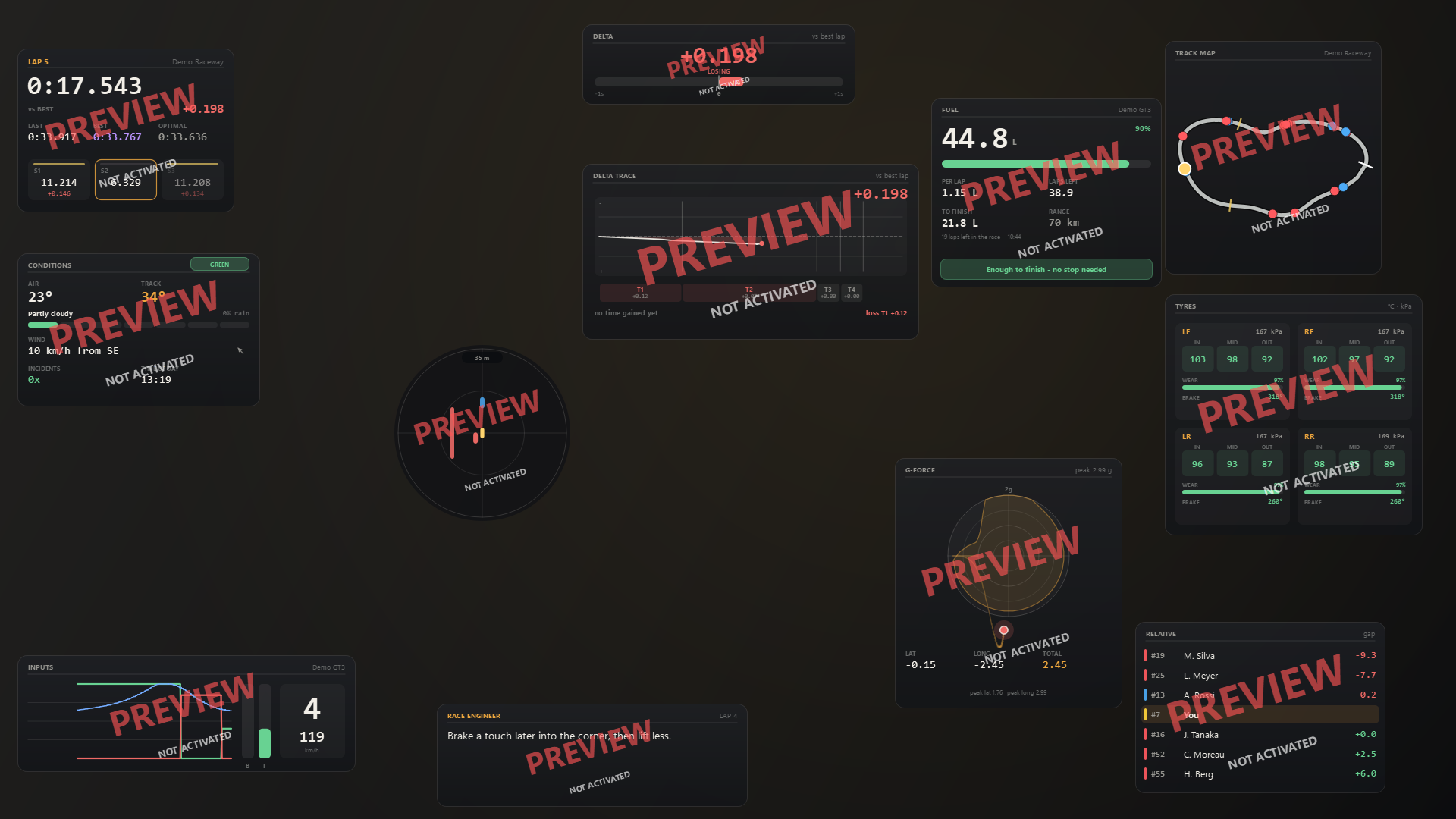
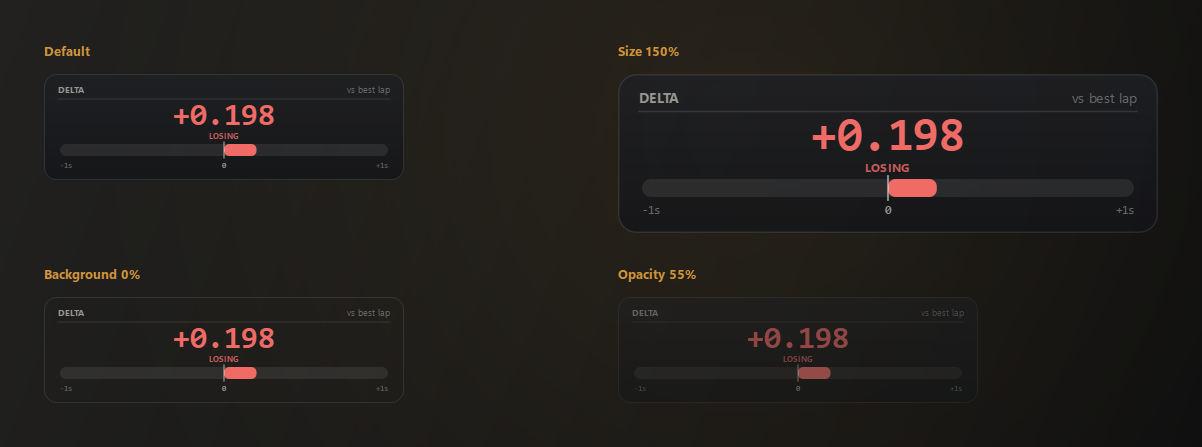
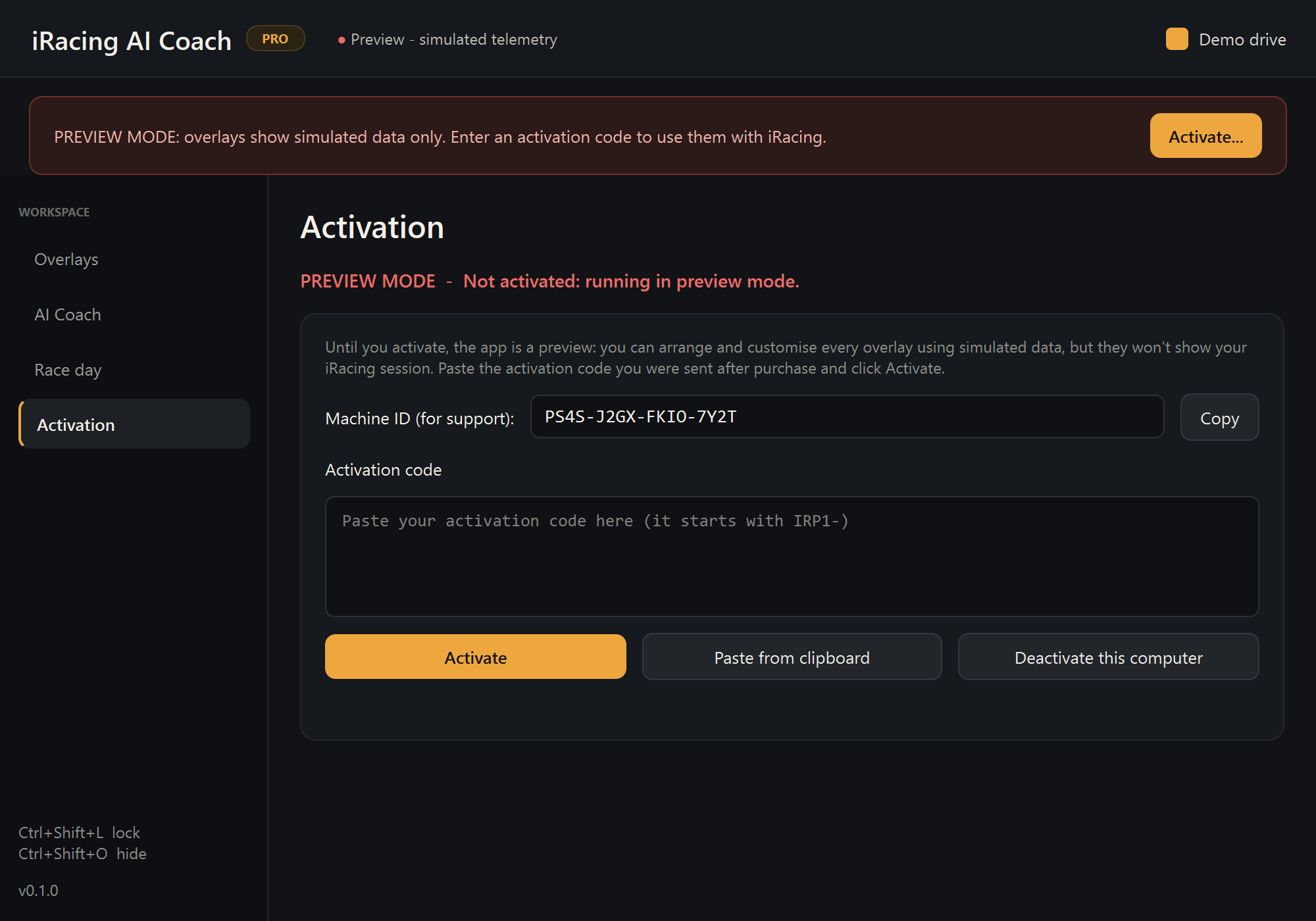
Without a code, every overlay is marked PREVIEW / NOT ACTIVATED and the app uses simulated data. That is deliberate: you can test the layout, size, opacity and options in the car or on the desktop, and nothing pretends to be live.
| Preview | Activated | |
|---|---|---|
| All 12 overlays | Yes | Yes |
| Move, resize, fade, options | Yes | Yes |
| Live iRacing telemetry | No | Yes |
| Watermark | PREVIEW badge | None |
| Time limit | None | n/a |
When you are ready, buy a code and paste it into the Activation page. Step-by-step activation help.
Requirements
- Windows 10 or 11, 64-bit.
- iRacing, running in windowed or borderless-windowed mode. Exclusive fullscreen covers the overlays; VR is not supported.
- For AI tips: Ollama with about 8 GB of graphics memory for the default model. Without it, every overlay still works and the coach falls back to built-in tips.
If something does not work
The app has a built-in diagnostics button that lists every telemetry channel iRacing is reporting. Run it before reporting a problem: troubleshooting covers the common cases, and hello@lapvoice.com reaches a person.