 LapVoice
Activate LapVoice.
Your code arrives in the receipt email after purchase. Paste the whole thing, including anything that wrapped onto a second line.
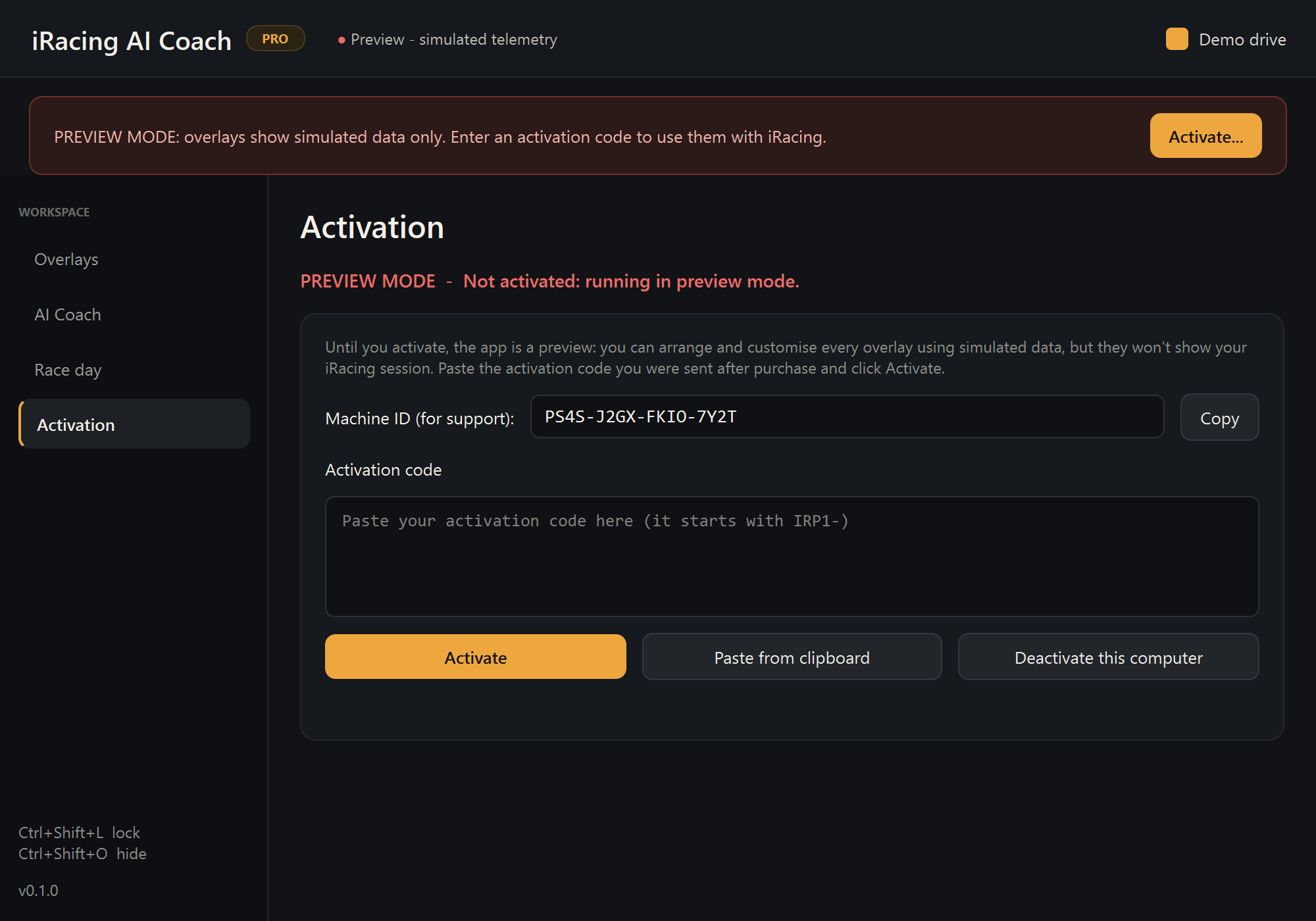
Activate
- Open LapVoice.exe.
- Go to the Activation page in the control panel.
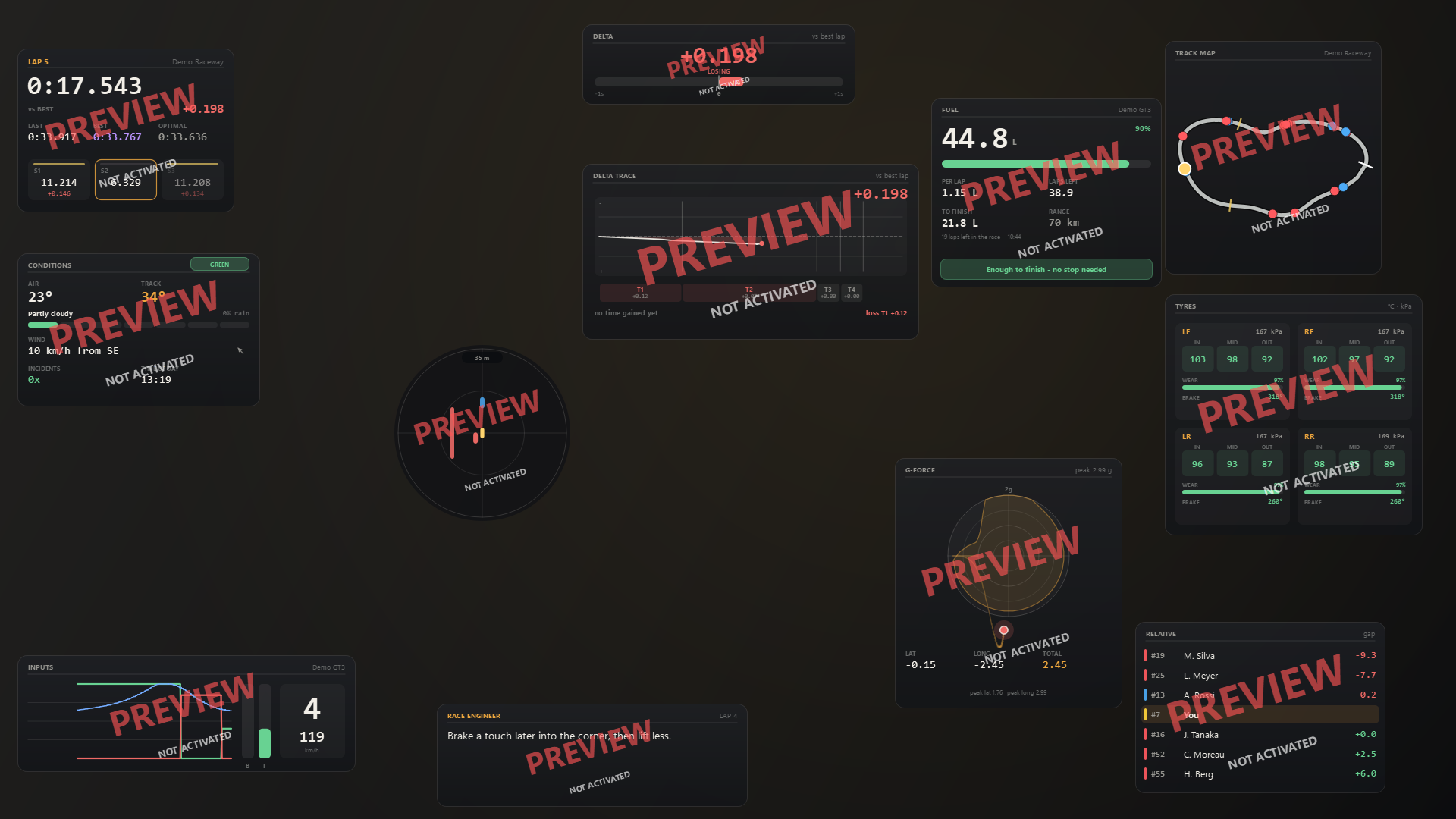
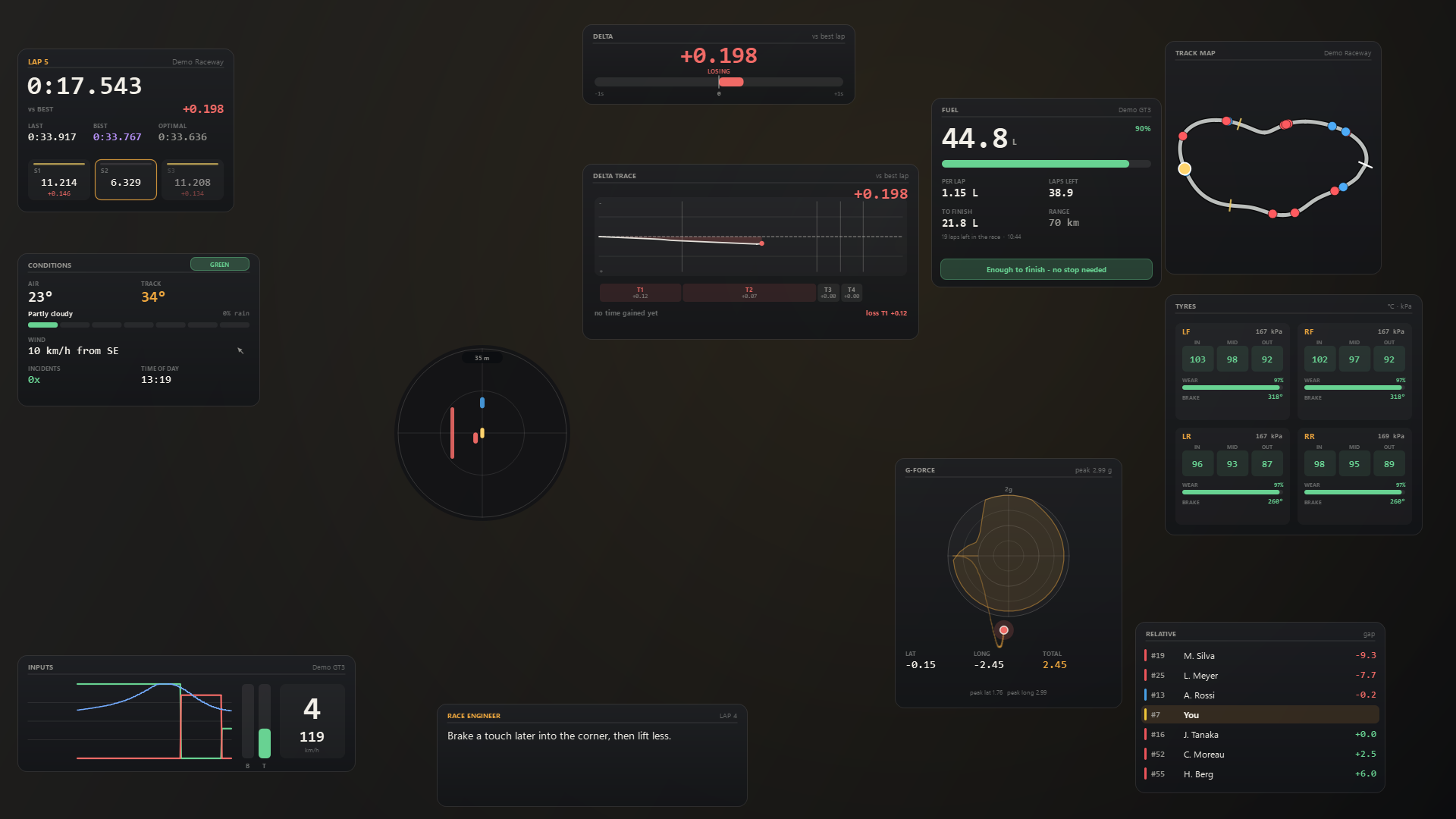
- Paste the code and click Activate. Live telemetry starts immediately; the PREVIEW marks disappear.
Activation needs an internet connection once. After that the app rechecks in the background and keeps working if the network drops mid-race.
If the code does not work
- Copy the whole code. Receipt emails often wrap it across lines; select from the first character to the last.
- Check the connection. Activation cannot complete offline.
- One code, one seat. If it is already active on another PC, deactivate there first.
- Check the edition. A three-seat code activates three PCs; a one-seat code activates one.
- Refunded or revoked codes stop working. If you think that is a mistake, email us.
- Still stuck? Send the Machine ID from the Activation page and the exact message. Never send the full code.
Move the licence to another PC
- On the old PC, open Activation and choose Deactivate this computer.
- On the new PC, enter the same code.
If the old PC is dead, sold or wiped, you do not need it: email support from the address you bought with and we will free the seat.
Lost the code
It is in the receipt email from Lemon Squeezy. If you cannot find it, use the order lookup in that email or email us with the purchase address.
Refunds
Within 14 days, through Lemon Squeezy. A refund disables the code and frees the seat. Details in the refund policy.
What changes when it activates.
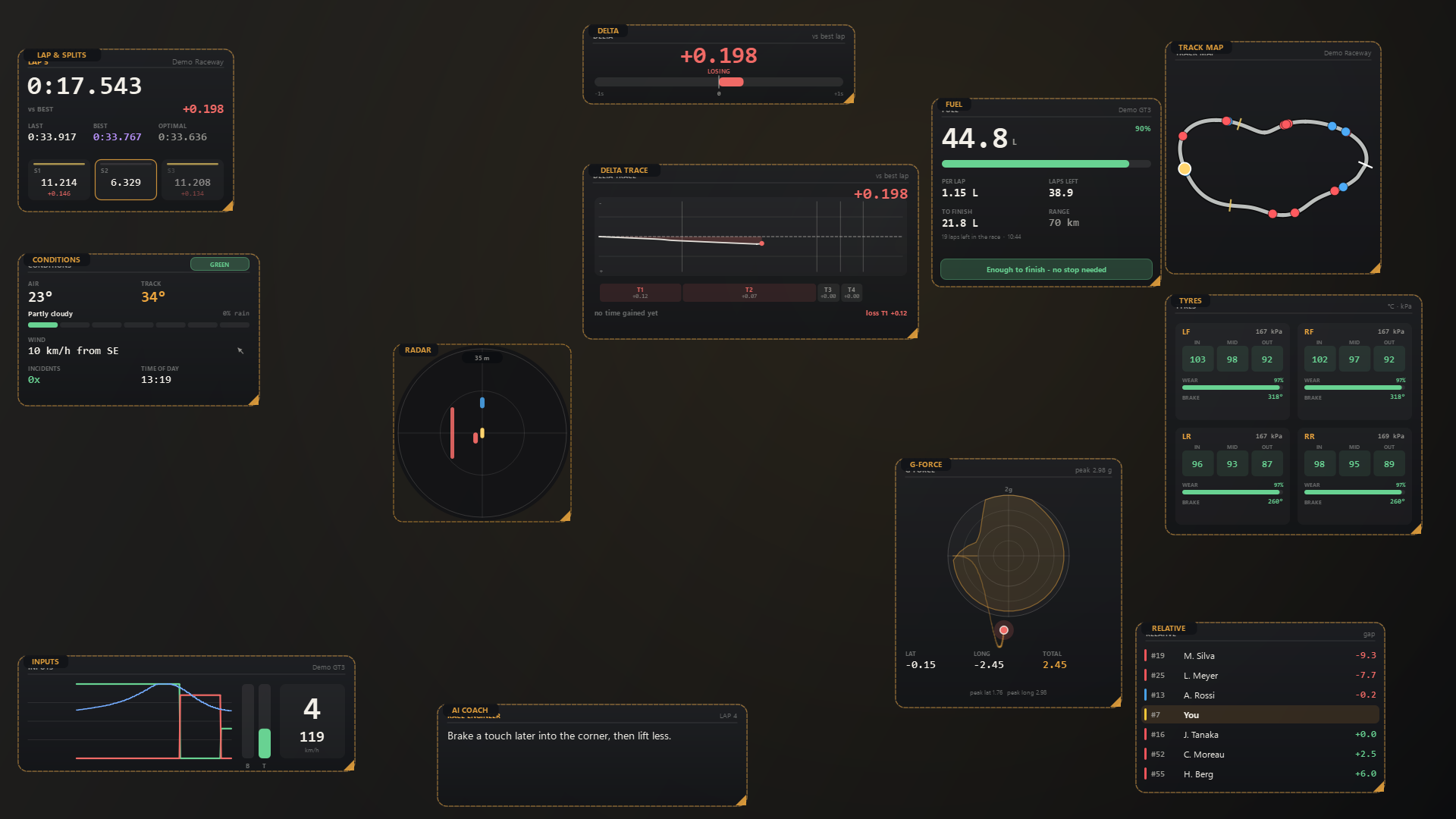
Same app, same layout, same overlays. The PREVIEW marks go and the panels start reading iRacing.